← All work [ Case study 05 · Plan Round ]

Helping golfers plan every shot before the first tee.

Plan Round is the shot planner inside the Upgame app. It puts a golfer’s own shot data and the day’s course conditions on the hole in front of them — before the round and during it.

Mobile appShipped2026
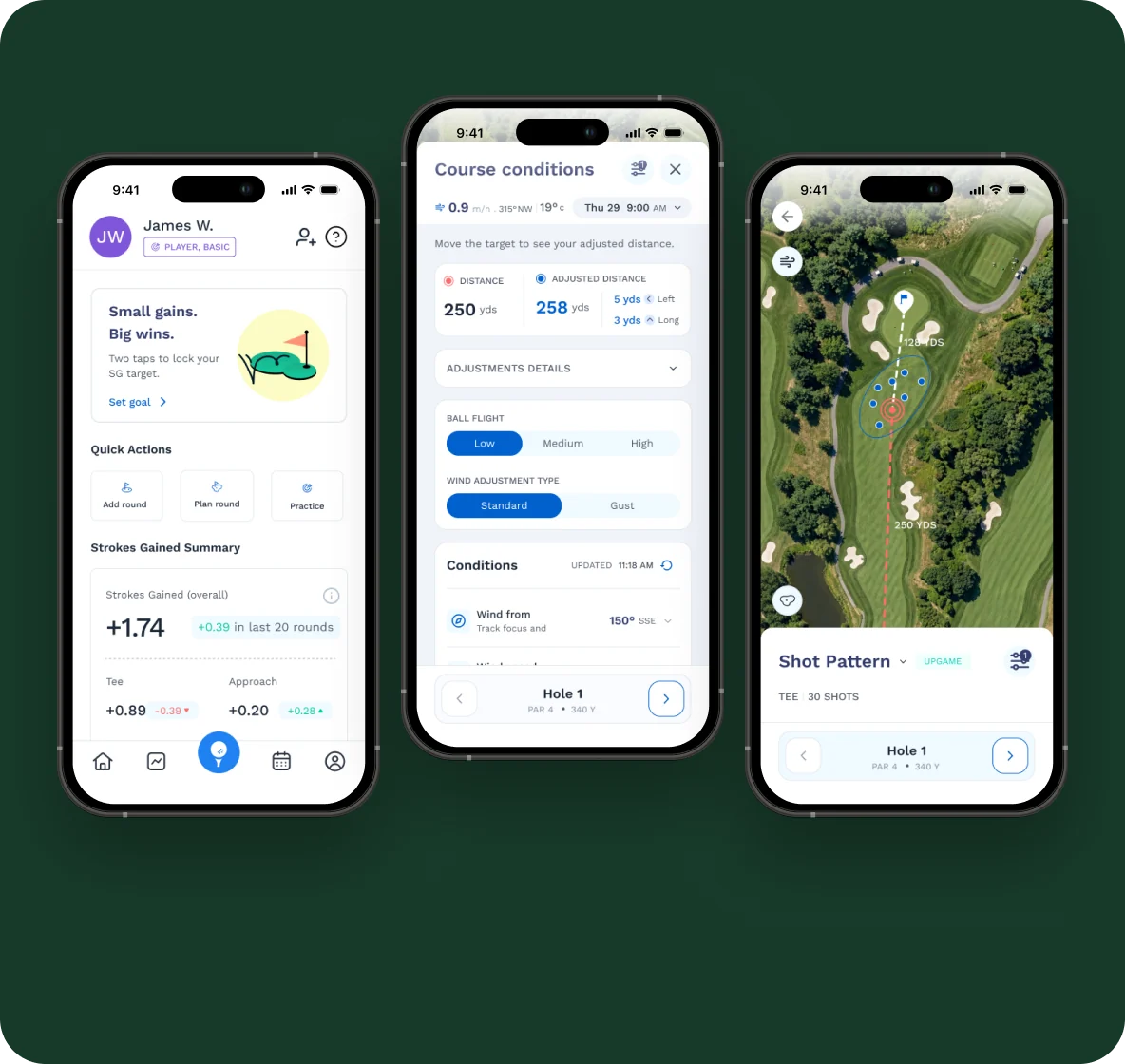
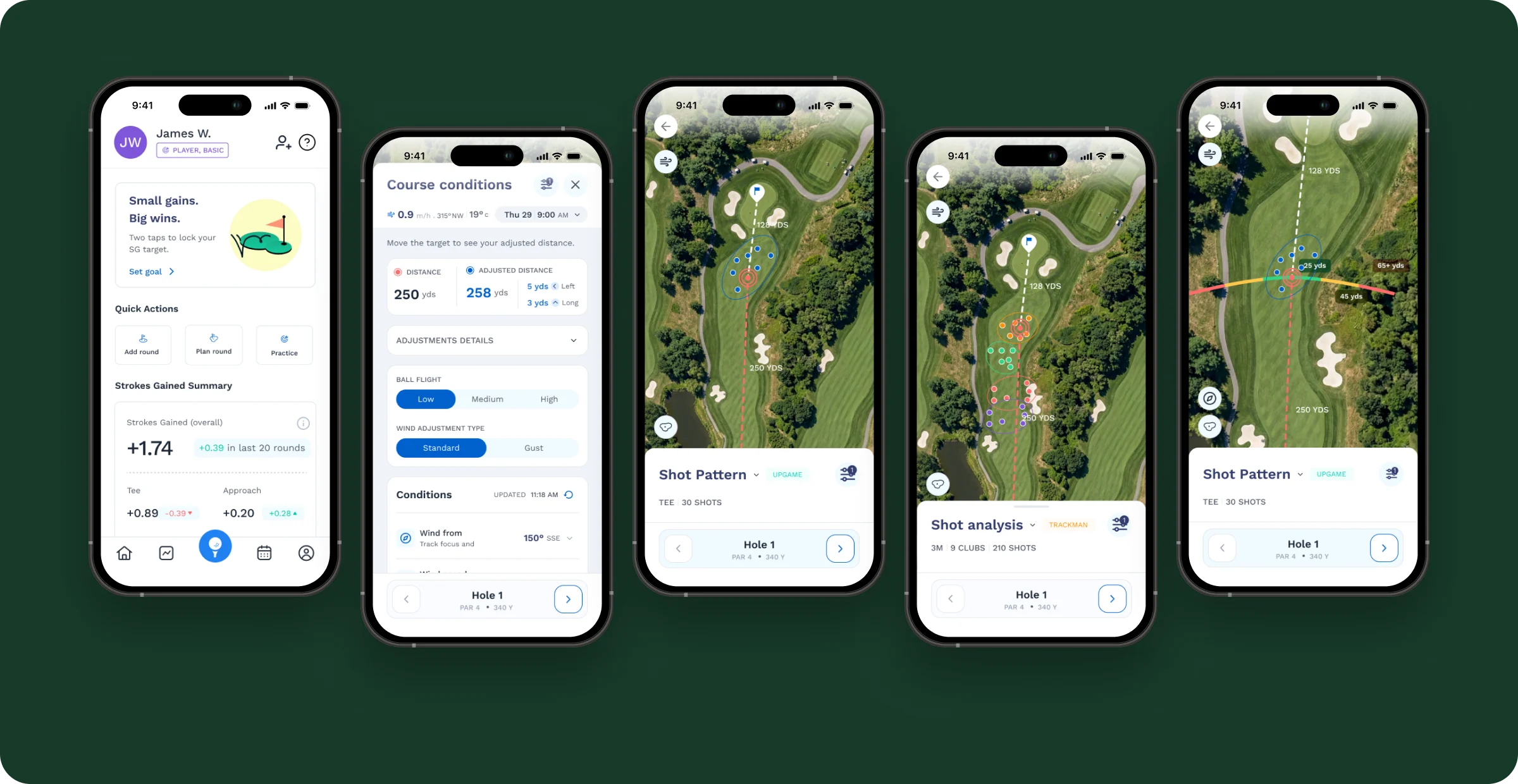
Plan Round — key screens
Role
Associate Product Designer, UI/UX
Timeline
2026
Platform
Mobile app
Status
Shipped on Upgame Basic and Pro
[ 01 ] Overview

The number on the card is not the number the ball flies.

Two modes: Forecast, for planning before the round, and On Course, with live GPS-assisted readings.

01

The problem

A hole’s yardage ignores today’s wind and altitude, and how this golfer actually hits each club.

02

What I did

Designed five flows — Course View, Shot Pattern, Past Shots, Field Shots and Course Conditions — and every condition control.

03

Outcome

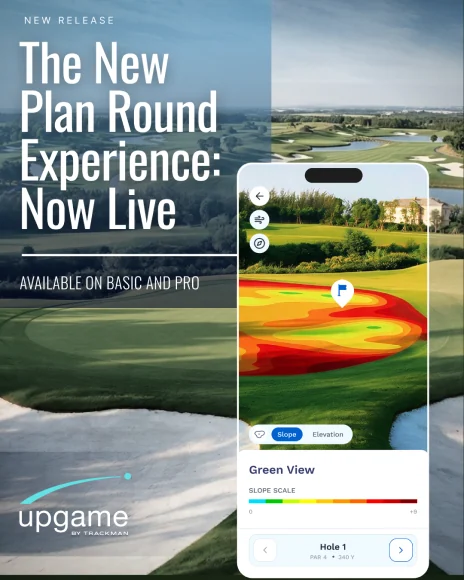
Launched as “The New Plan Round Experience”, available on Basic and Pro.

How might we

How might we show golfers how a hole will actually play for them — today — at a glance?

[ 02 ] Insights

Three insights that shaped the planner.

  1. 01

    Distance is personal

    Plans only help if they use the golfer’s own pattern — past and field shots — not tour averages.

  2. 02

    One number beats five

    Show a single Plays-Like distance that accounts for every active condition, with the detail one tap away.

  3. 03

    Players trust their own reading

    Let golfers override any value when the tee feels different — and always offer a way back to live data.

[ 03 ] Users

The same golfer, before and during the round.

Before the round

Planning golfer

Goals — pick targets and clubs hole by hole; see how the forecast changes distances

Pain points — weather and yardages live in different places; averages don’t reflect their own game

During the round

On-course golfer

Goals — a quick, trustworthy live number; adjust when the feel differs from the data

Pain points — no time for dense screens between shots; readings don’t always match the tee

[ 04 ] Principles & structure

Five flows, one planner.

  1. 01Use the golfer’s own pattern, not tour averages.
  2. 02One Plays-Like number, with the detail one tap away.
  3. 03Keep the hole on screen — conditions open as a bottom sheet.
  4. 04Let golfers override, with a way back to live data.
  5. 05Make live and edited values obvious at a glance.
User flow
HomeSelect courseChoose holeShot patternPast & field shotsCourse conditionsPlan the shot
Information architecture
Course ViewShot PatternPast ShotsField ShotsCourse ConditionsMap My BagShot Analysis
[ 05 ] Key decisions

The decisions that mattered most.

Decision 01

Your pattern, on the hole

The problem

Averages don’t reflect a golfer’s own game.

What I did

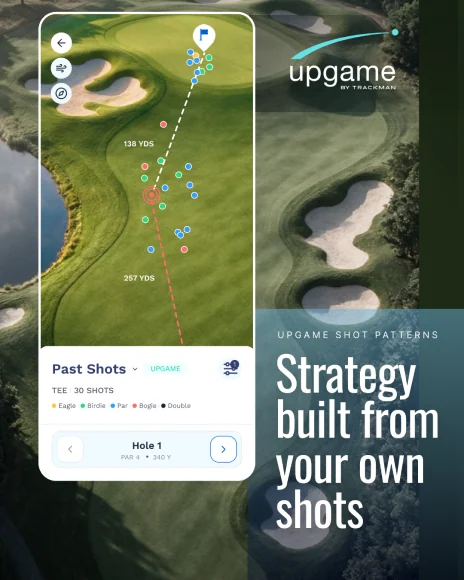
Shot Pattern overlays the golfer’s dispersion on the aerial view; moving the target shows landing zones on the arc (25, 45, 65+). Map My Bag keeps every club’s carry one tap away.

Why it works

Plans use the golfer’s own data, on the hole they’re about to play.
Decision 02

One Plays-Like distance

The problem

Wind, gusts and altitude change the number, but none of it was in one place.

What I did

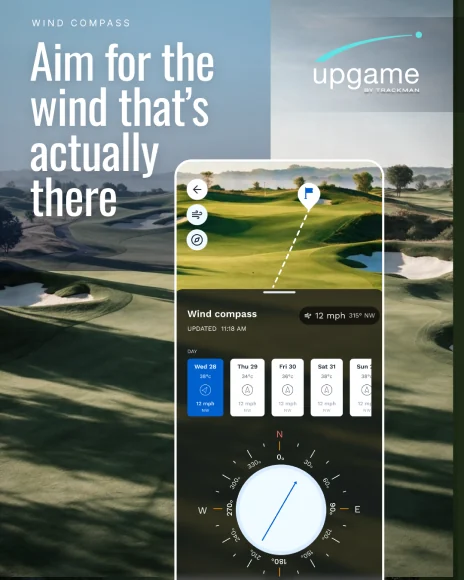
Active conditions roll into one adjusted distance next to the actual yardage. The wind icon opens the conditions sheet, with a date and hour picker for the forecast.

Why it works

One number to decide with, and the detail when it’s wanted.

Decision 03

Override, then reset

The problem

On-course readings don’t always match the feel on the tee.

What I did

Any condition can be edited, with default, active and edited states. A filter toggles factors, and a reset-to-live icon appears once a value changes.

Why it works

Golfers stay in control without losing the live data.

Final designs — Course View, Course Conditions, Shot Pattern, Past Shots and Field Shots

Final designs — Course View, Course Conditions, Shot Pattern, Past Shots and Field Shots

[ 06 ] Iteration & launch

Input states, and a launch.

  1. Input states

    Default, active, edited

    The input states mattered as much as the headline screens. A golfer has to see at a glance whether a number is live or theirs.

  2. Launch

    “The New Plan Round Experience — now live”

    A carousel introduced the feature one capability per slide: now live, wind compass, shot patterns.

    Launch slideLaunch slideLaunch slide
[ 07 ] Outcomes & reflection

Shipped on Upgame’s Basic and Pro plans.

Outcome
  • Announced with the launch carousel “The New Plan Round Experience — now live.”
  • Next: add usage data once available
  • Next: test the Plays-Like number against on-course results
  • Next: carry plans into the scorecard
What I learned

States matter as much as screens

Default, active and edited states told golfers whether a number was live or theirs.